This quickstart walks you through creating a stream that tracks ERC-20 token transfers on Ethereum Mainnet. You'll use the Logs dataset to capture transfer events and deliver them to a webhook endpoint using a filter that extracts only the data you need.
Configure your stream
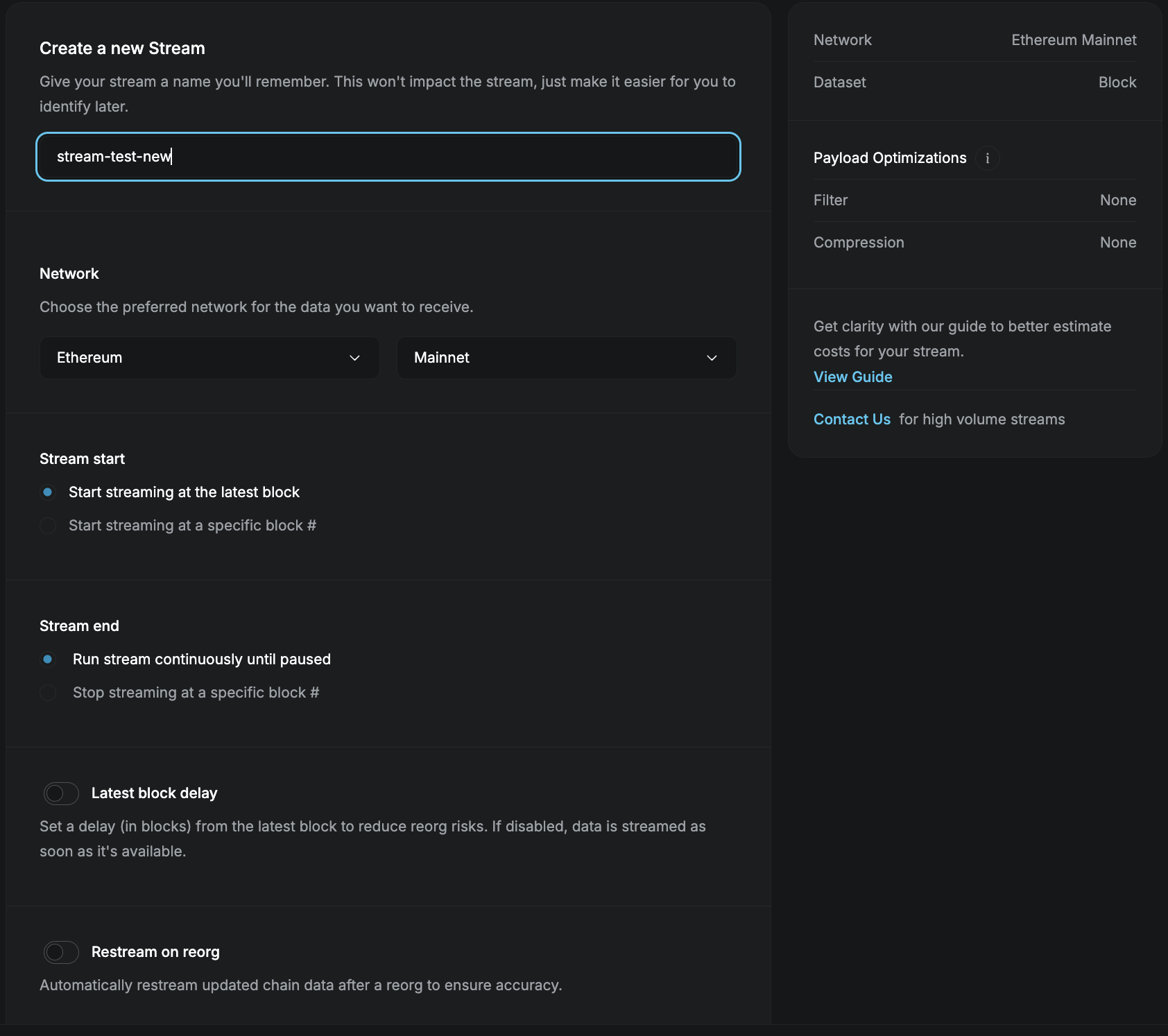
In the Streams dashboard, click + New Stream. Name your stream, select Ethereum Mainnet, leave the start range set to the latest block, then click Next.
Select the Logs dataset
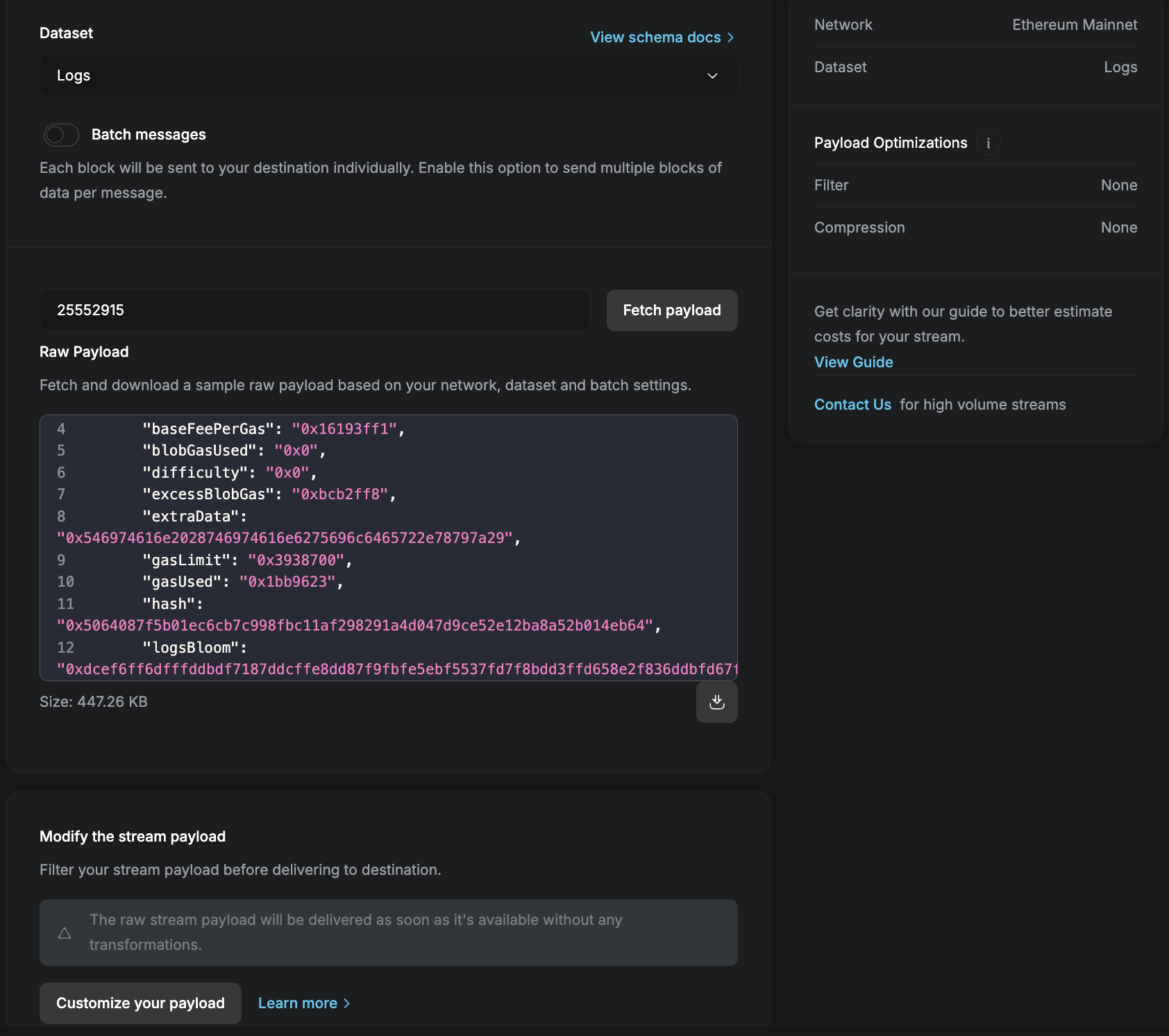
Select Logs from the dataset menu. It includes smart-contract events such as ERC-20 transfers. Click Fetch payload to preview the data, then continue.
Filter for ERC-20 transfers
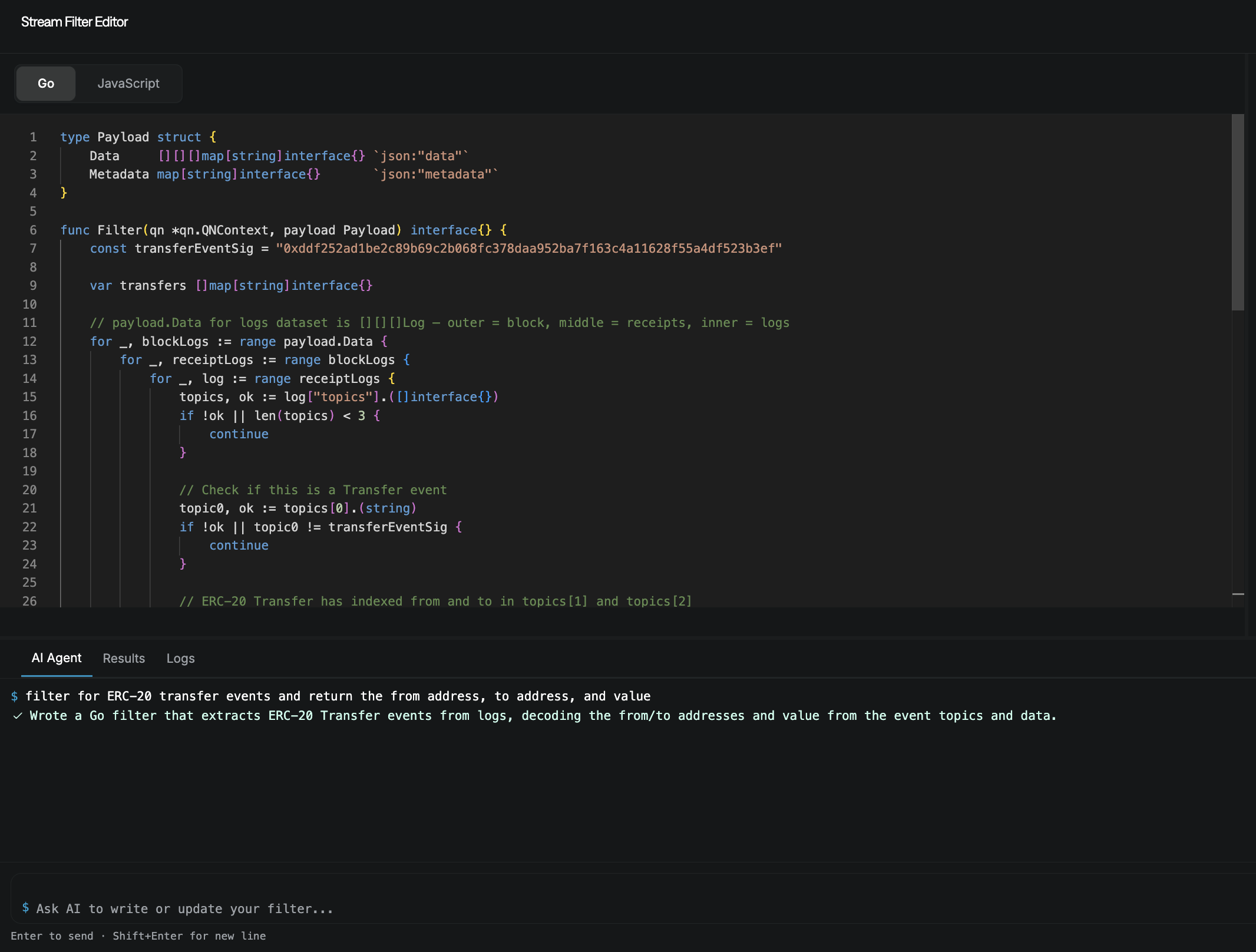
Click Customize your payload to open the filter editor. Ask the AI Agent to return ERC-20 transfer events with the from, to, and value fields. Test the filter, then save it.
Set up webhook delivery
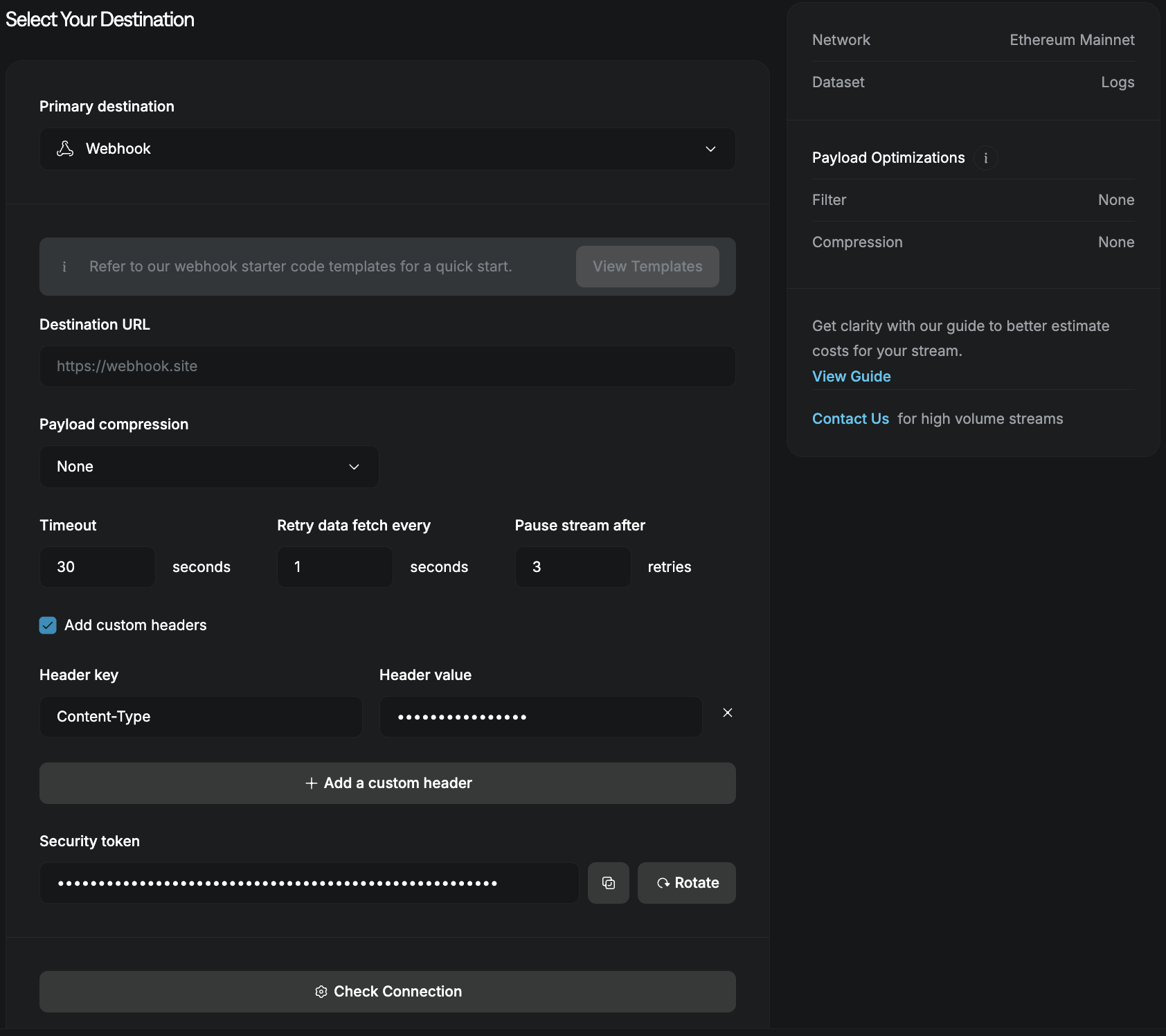
Select Webhook as the destination and enter your endpoint URL. Click Check Connection, then click Create a Stream.
You're live!
Your stream is now sending ERC-20 transfer events to your webhook. Use the Streams dashboard to monitor deliveries, pause the stream, or update its configuration.