Make QWallet a Nifty iOS App
Make QWallet a Nifty iOS App
Here’s how you can turn QWallet.io into an icon on your iOS device for easy access and full-screen browsing

February 20, 2018 — 1 min read
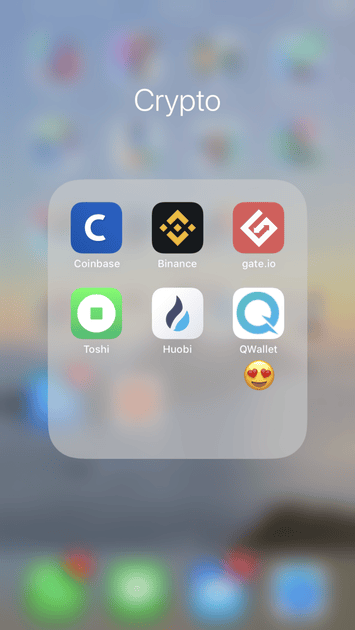
Here’s how you can turn QWallet.io into an icon on your iOS device for easy access and full-screen browsing:
Go to https://QWallet.io and search your address(es).
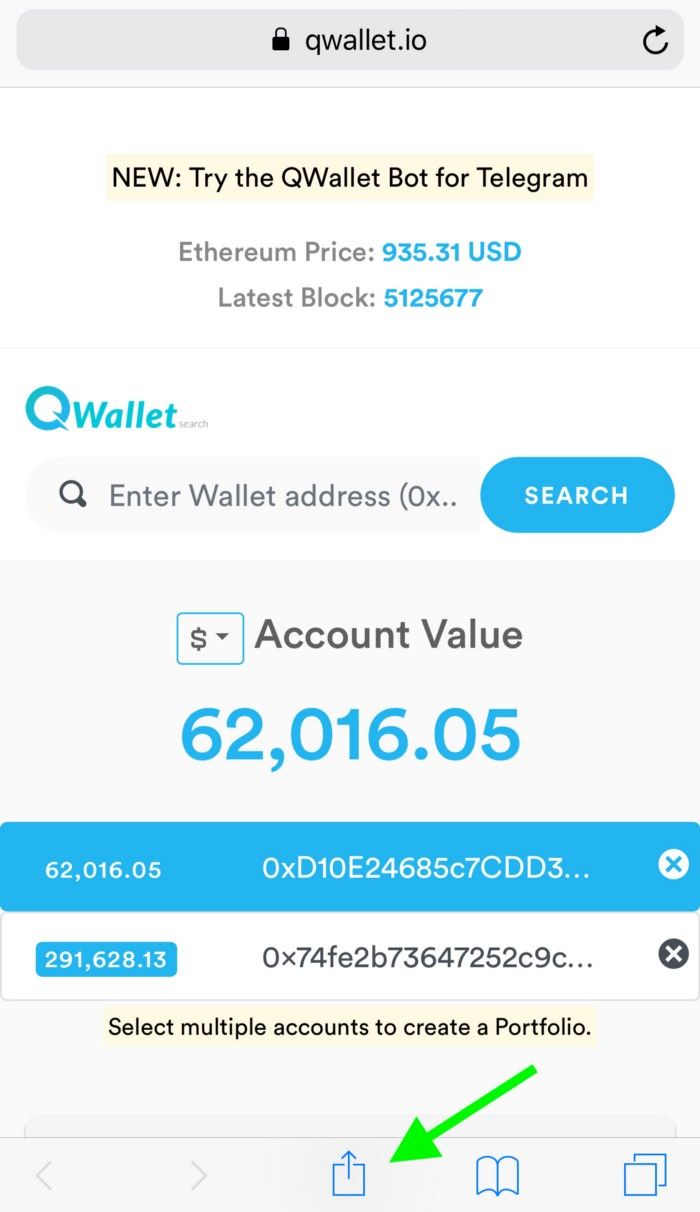
Once on the tokens view screen, tap the ‘share’ icon at the bottom.
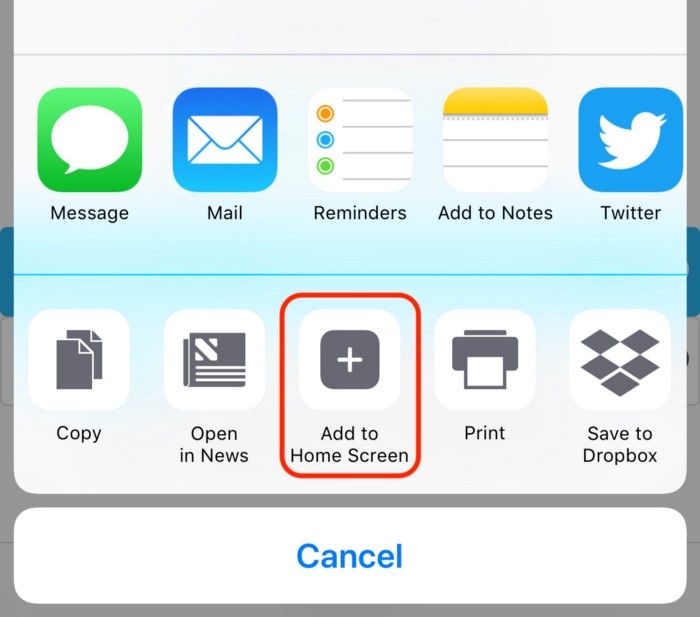
3. Navigate to and tap the “Add to Home Screen” icon.
4. Voila! Now you will have a lovely “Q” icon on your home screen.
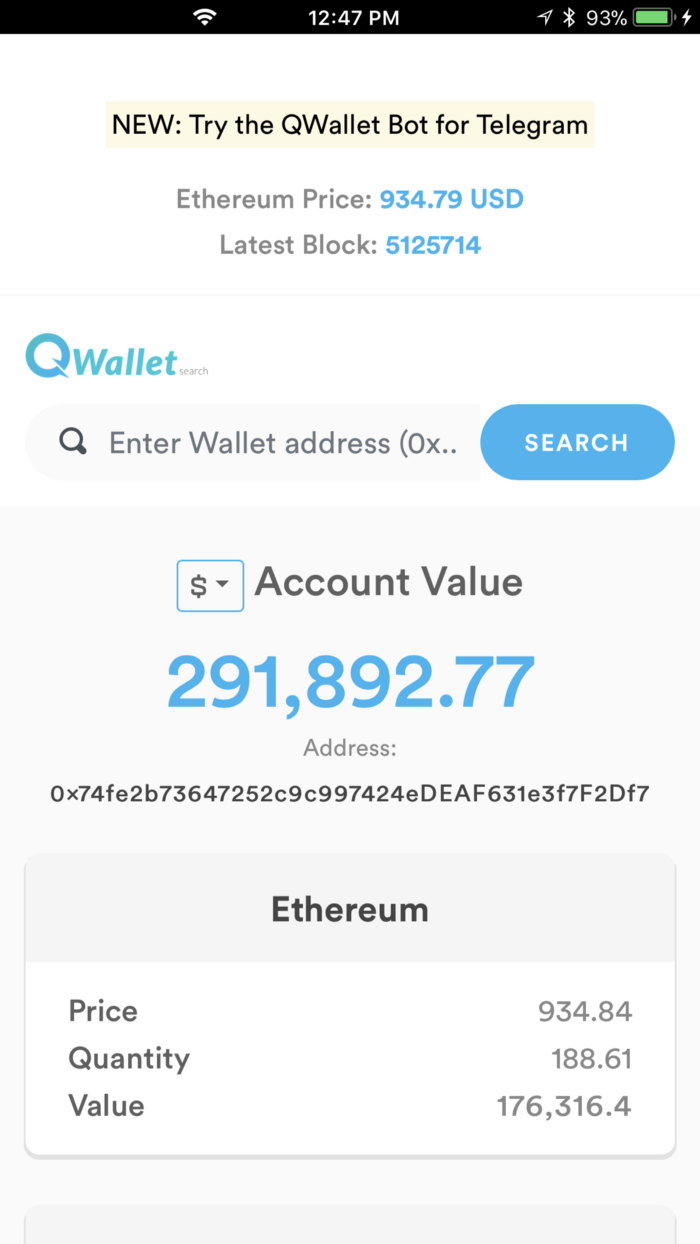
5. Tap it and you’ll get the full-screen version, just like a native iOS app!
Have questions, feedback, a feature request, or just want to learn more?
Visit the QWallet and Quicknode Twitter pages!
fyi: the wallets we feature in our screenshots are not ours :) They are random
Heb je hulp nodig bij je project of heb je vragen? Neem dan contact met ons op via dit formulier, op TwitterQuicknode of stuur ons een berichtje op Discord!
Over Quicknode
Quicknode , opgericht in 2017, Quicknode blockchain-infrastructuur van institutionele kwaliteit voor ontwikkelaars en bedrijven. Met een uptime van 99,99% en ondersteuning voor meer dan 80 blockchains kunnen teams on-chain-applicaties bouwen en opschalen zonder concessies te doen.
Blijf op de hoogte
De nieuwste technische inzichten, productupdates en web3-nieuws, rechtstreeks in je inbox.