

概覽
The Ethereum Wallet Explorer demonstrates how to use your Quicknode Ethereum endpoint, the Blockbook product, and an endpoint add-on to query tokens, transactions, and NFTs associated with a given wallet.
To run this demo with full functionality, you need the free 代幣與 NFT API v2 套件 endpoint add-on and access to the Blockbook API.
此示範程式使用 Next.js 14 此專案採用以下方式啟動: create-next-app.
開始使用
安裝依賴項
首先,安裝依賴項:
npm 安裝
# 或
yarn
# 或
pnpm 安裝
# 或
bun 安裝
設定環境變數
重新命名 .env.example 至 .env.local 並更新為您的Quicknode Ethereum Endpoint。
ETHEREETHEREUM_ETHEREUMURLmainnet
首先,執行開發伺服器:
npm 執行 dev
# 或
yarn dev
# 或
pnpm dev
# 或
bun dev
請使用瀏覽器開啟http://localhost:3000以查看結果。
使用 Dapp
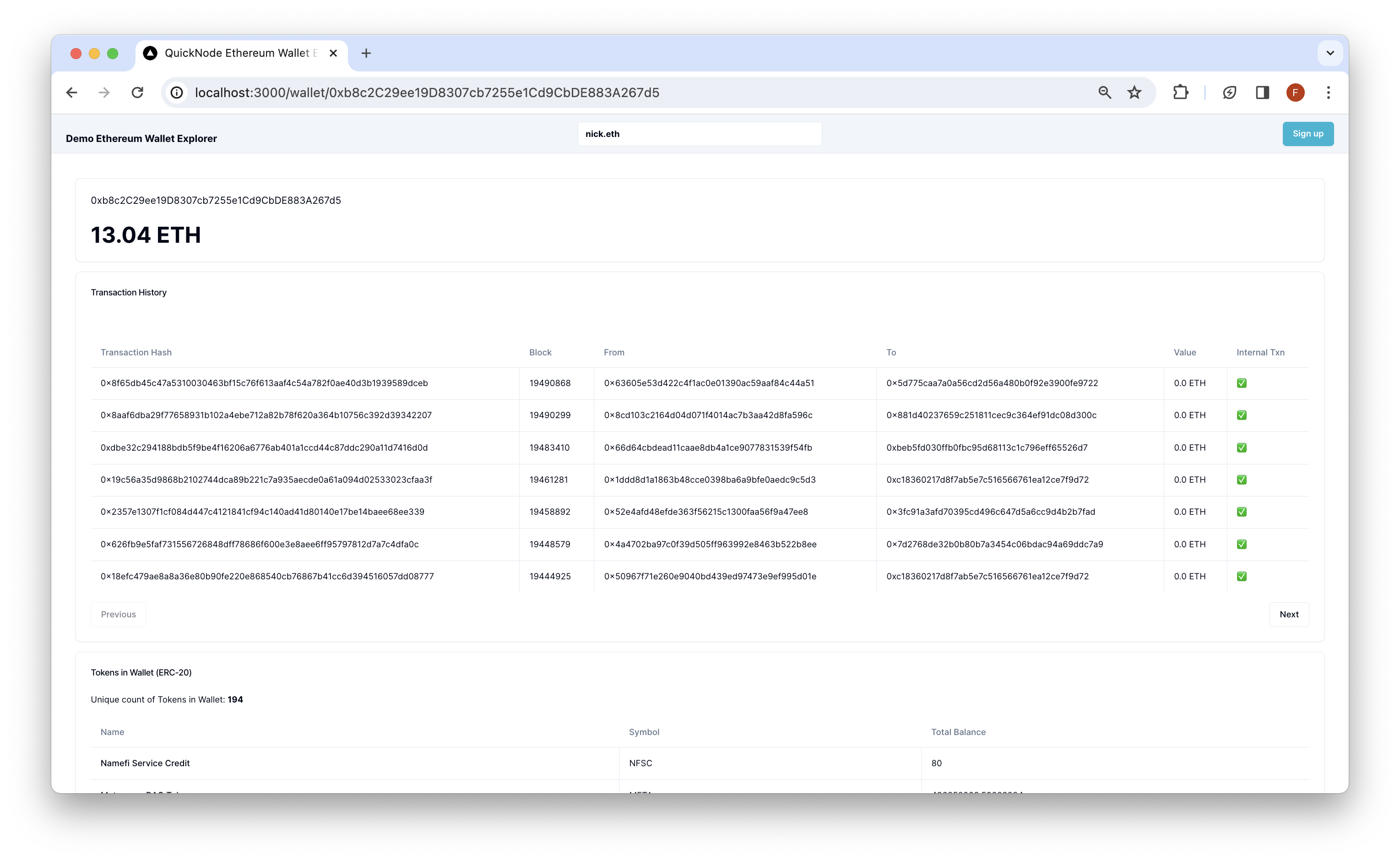
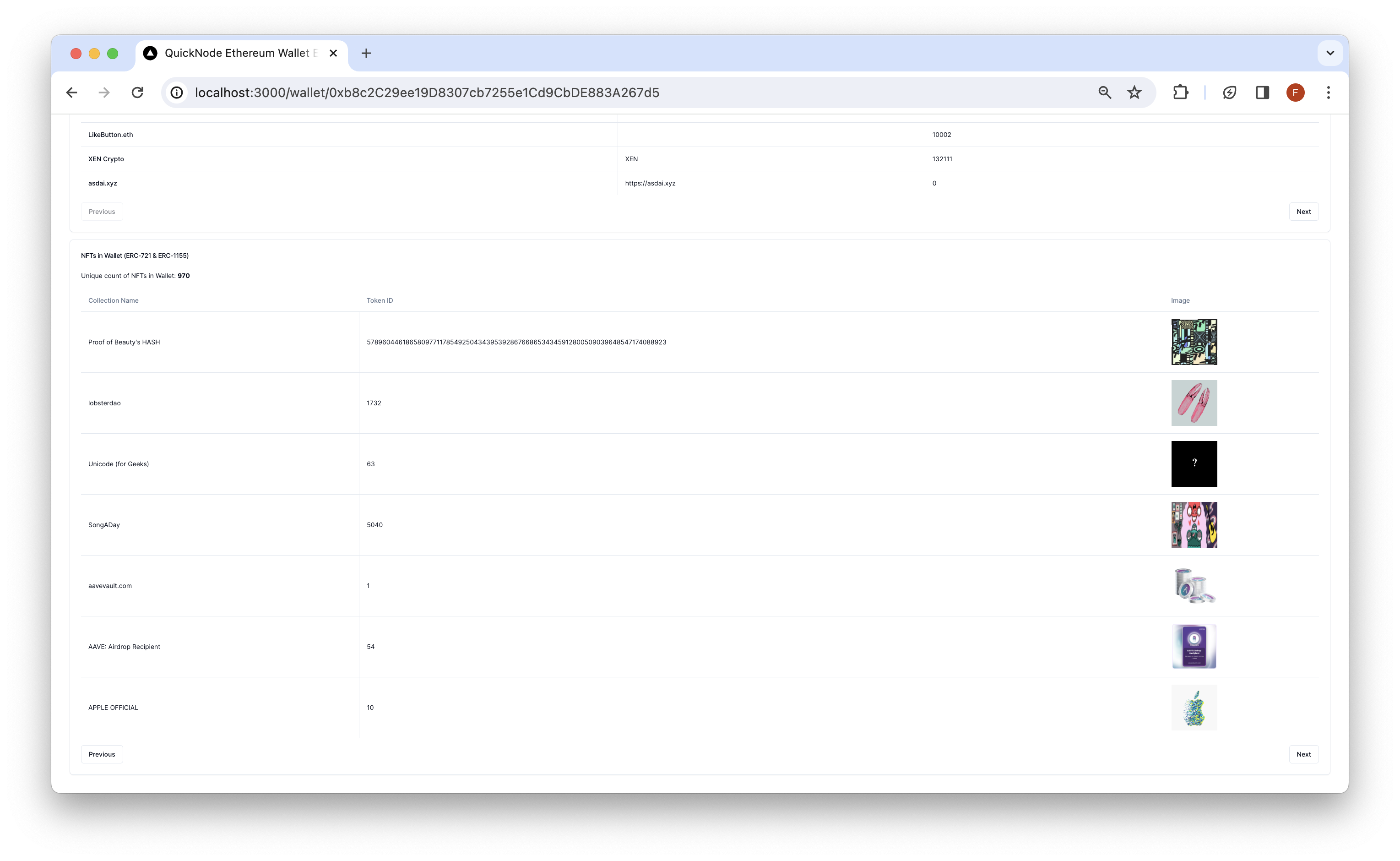
搜尋一個Ethereum 地址,然後按下 Enter 鍵。該 Dapp 將會重新導向至 /wallet/[地址] 並查詢Ethereum 中該錢包的代幣餘額、交易紀錄及 NFT。查詢結果將以各自的卡片形式呈現。
建築
src/
├── app/
│   └── api/
│       └── wallet/
├── components/
    ├── 探索器/
    └── header/
-
api- 包含用於Ethereum 呼叫的 API 路徑。客戶端可透過以下方式存取這些路徑:/api/wallet/[method]?walletAddress=[address]. These GET requests use the乙醚library to interact with Ethereum and parse data, the代幣與 NFT API v2 套件endpoint add-on to retrieve NFT and ERC-20 token information, and theBlockbook APIto retrieve transaction history for any Ethereum address. -
元件- 包含該去中心化應用程式(dapp)所需的 React 元件。- 該
探索者該元件包含會呼叫 API 路由並渲染結果的客戶端元件。 - 該
頁首此元件包含該去中心化應用(dapp)的搜尋欄。
- 該
部署至 Vercel

預覽
Next.js 文件
若想進一步了解 Next.js,請參考以下資源:
- Next.js 文件— 了解 Next.js 的功能與 API。
- 學習 Next.js—— 一套互動式 Next.js 教學指南。
您可以瀏覽Next.js 的 GitHub 儲存庫——歡迎提供您的意見回饋與貢獻!
- 分叉此儲存庫
- 建立功能分支:git checkout -b feature/amazing-feature
- 將您的變更提交:git commit -m "新增超棒的功能"
- 推送您的分支:git push origin feature/amazing-feature
- 開啟一個 Pull Request。