概述
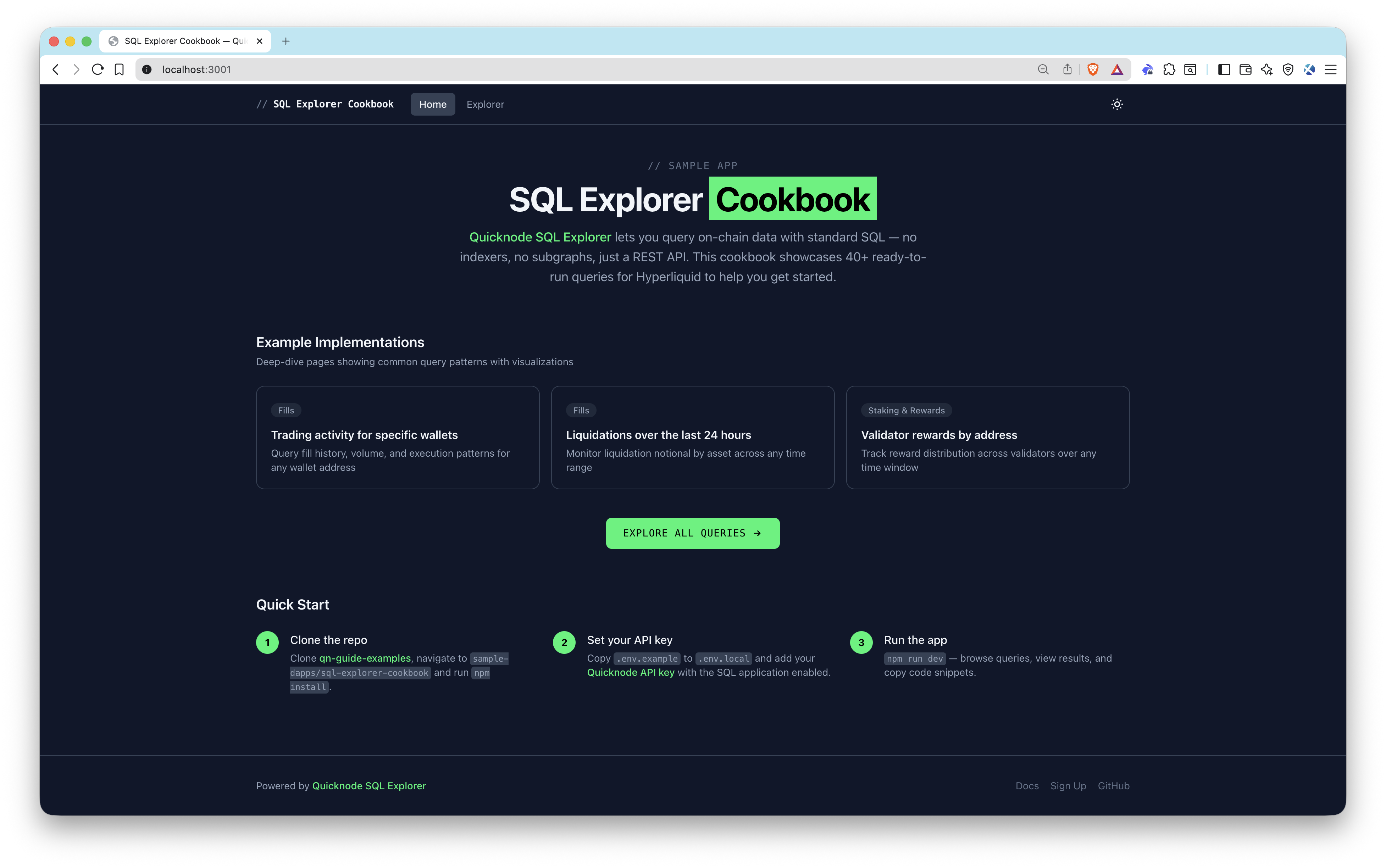
Quicknode SQL Explorer lets you query on-chain data with standard SQL — no indexers, no subgraphs, just a REST API and your API key. This sample app demonstrates how to integrate SQL Explorer into a frontend, shipping with 40+ ready-to-run queries against Hyperliquid on-chain data with table and chart views so you can see results immediately.
建筑
Browser (Next.js frontend)
  -> /api/query (server-side proxy route)
    -> Quicknode SQL Explorer REST API
      -> Returns structured rows
        -> Table view + Chart visualization
功能
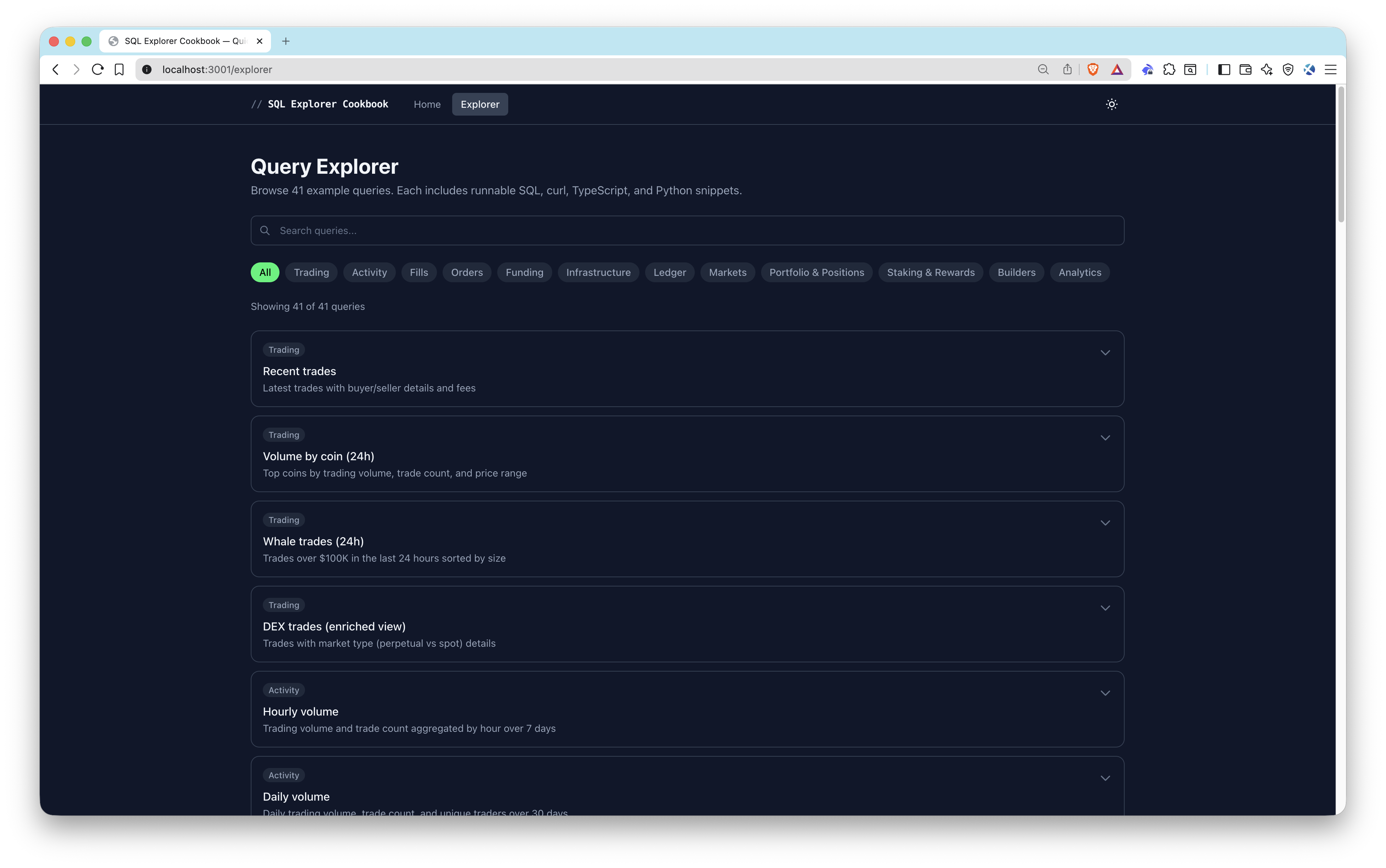
- 40+ pre-built queries organized by category: Trading, Fills, Orders, Funding, Markets, Portfolio & Positions, Staking & Rewards
- Parameterized queries with dynamic inputs for wallet addresses, validators, and coin symbols
- Dual result views — sortable/paginated tables and bar/line/area/pie charts
- Code snippets — copy-paste ready code in SQL, curl, TypeScript, and Python for every query
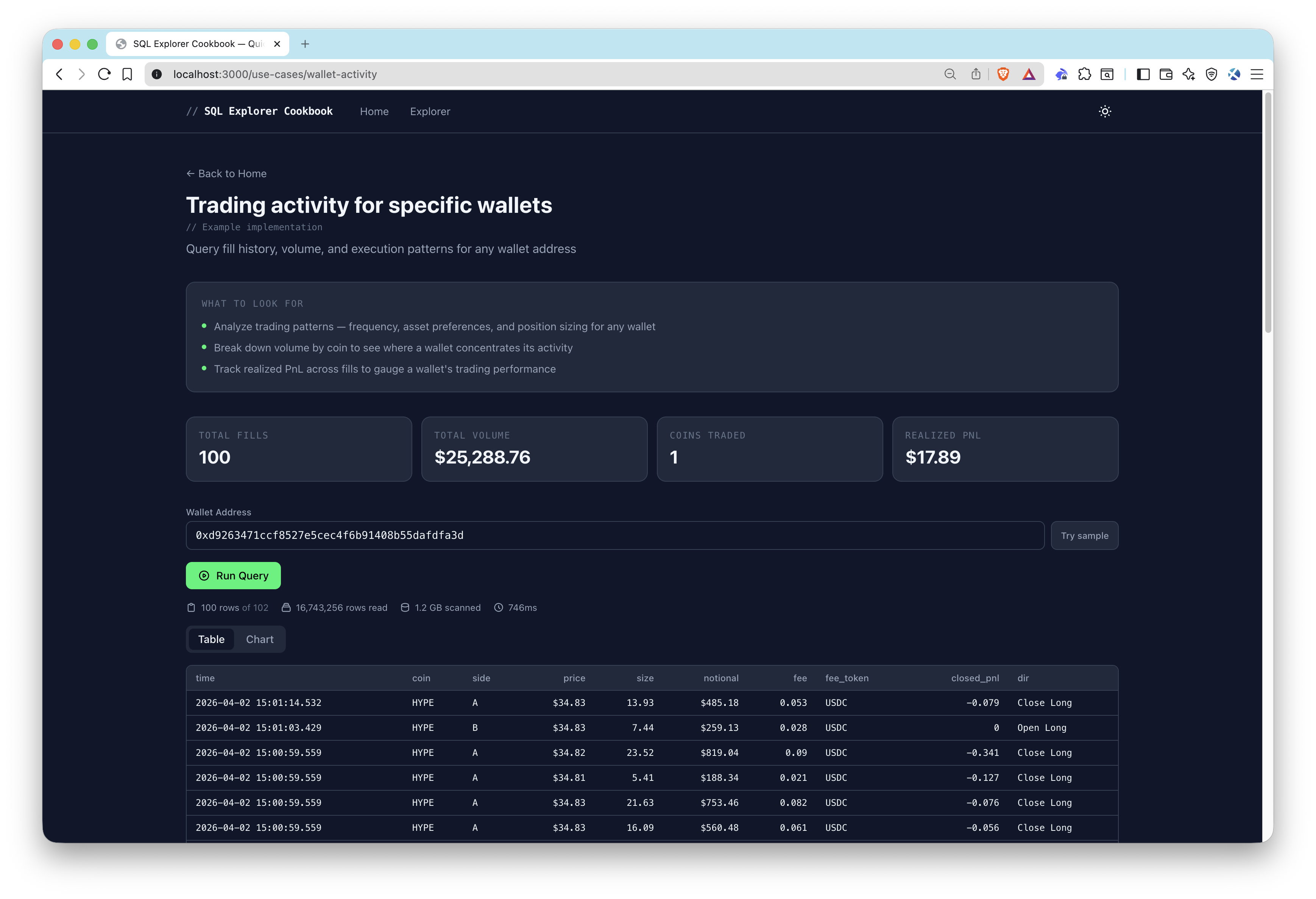
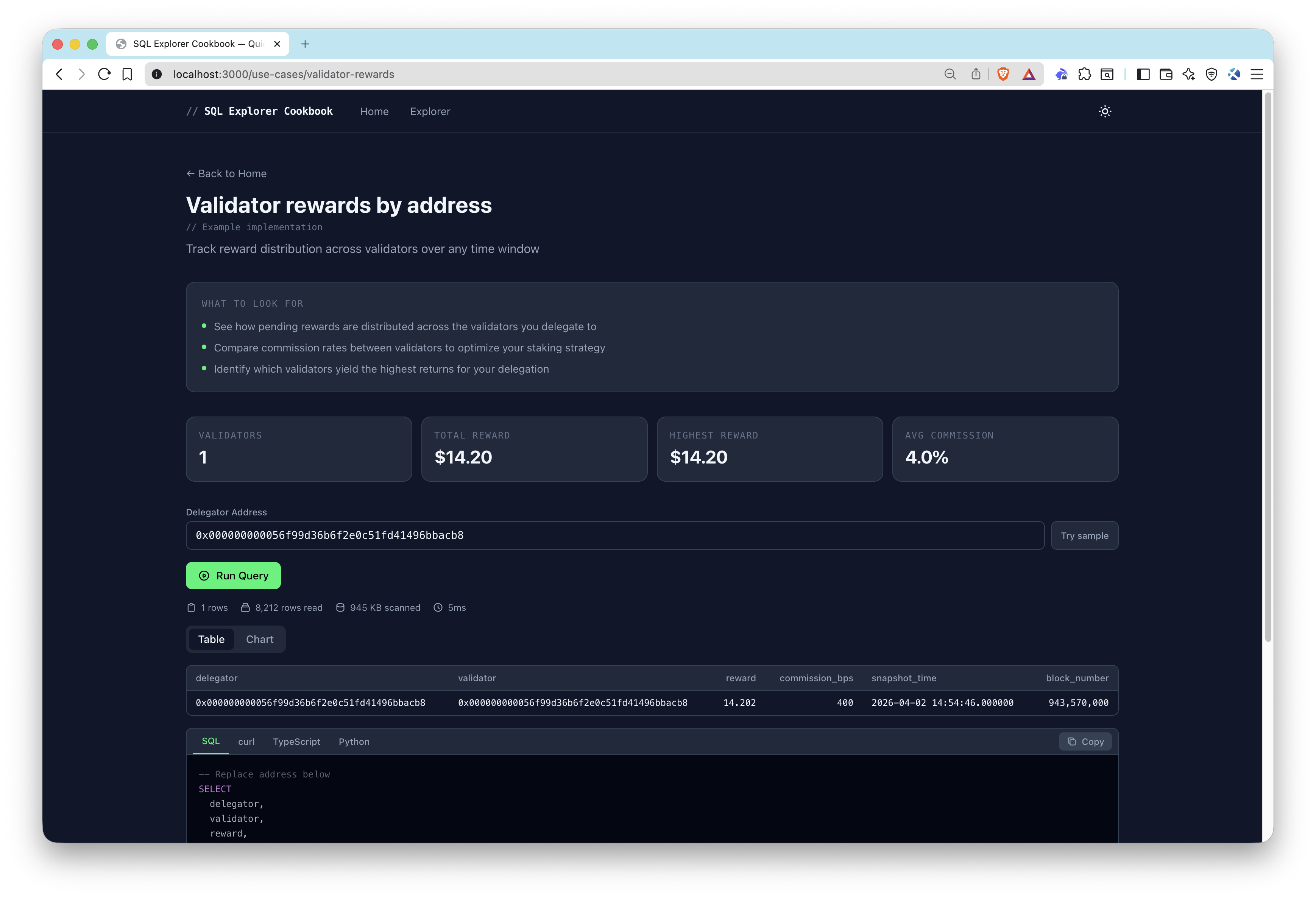
- Use-case pages — deeper implementations for validator rewards, wallet activity, and liquidations
- Server-side API proxy — keeps your API key secure on the backend
先决条件
- Node.js 20+
- A Quicknode account with an API key that has the SQL application enabled (create one here)
项目结构
src/
  app/
    api/query/route.ts          # Server-side proxy to SQL Explorer API
    explorer/page.tsx            # Query explorer page
    use-cases/
      liquidations/page.tsx     # Liquidation monitoring use case
      validator-rewards/page.tsx # Validator rewards use case
      wallet-activity/page.tsx  # Wallet activity use case
  components/
    query/                      # Query runner, results table, charts, code snippets
    ui/                         # Category filter, copy button, theme toggle
    use-cases/                  # Insights banner, stat highlights
  data/queries.ts               # All 40+ pre-built query definitions
  lib/
    sql-explorer.ts             # SQL Explorer API client
    snippets.ts                 # Code snippet generators
    chart-utils.ts              # Chart configuration helpers
    hooks/useQueryExecution.ts  # Query execution hook
环境变量
QUICKNODE_API_KEY=your_api_key_here          # Quicknode API key with SQL enabled
QUICKNODE_SQL_ENDPOINT=https://api.quicknode.com/sql/rest/v1/query  # SQL Explorer REST endpoint
QUICKNODE_CLUSTER_ID=hyperliquid-core-mainnet # Target cluster ID
入门指南
1. 克隆该代码库
git clone https://github.com/quiknode-labs/qn-guide-examples.git
cd sample-dapps/sql-explorer-cookbook
2. 安装依赖项
npm 安装
3. 配置环境变量
cp .env.example .env.local
编辑 .env.local with your Quicknode API key and endpoint details.
4. Start the development server
npm 运行 dev
Open http://localhost:3000 to start exploring queries.
API 端点
POST /api/query— Server-side proxy that forwards SQL queries to the Quicknode SQL Explorer REST API and returns results
预览
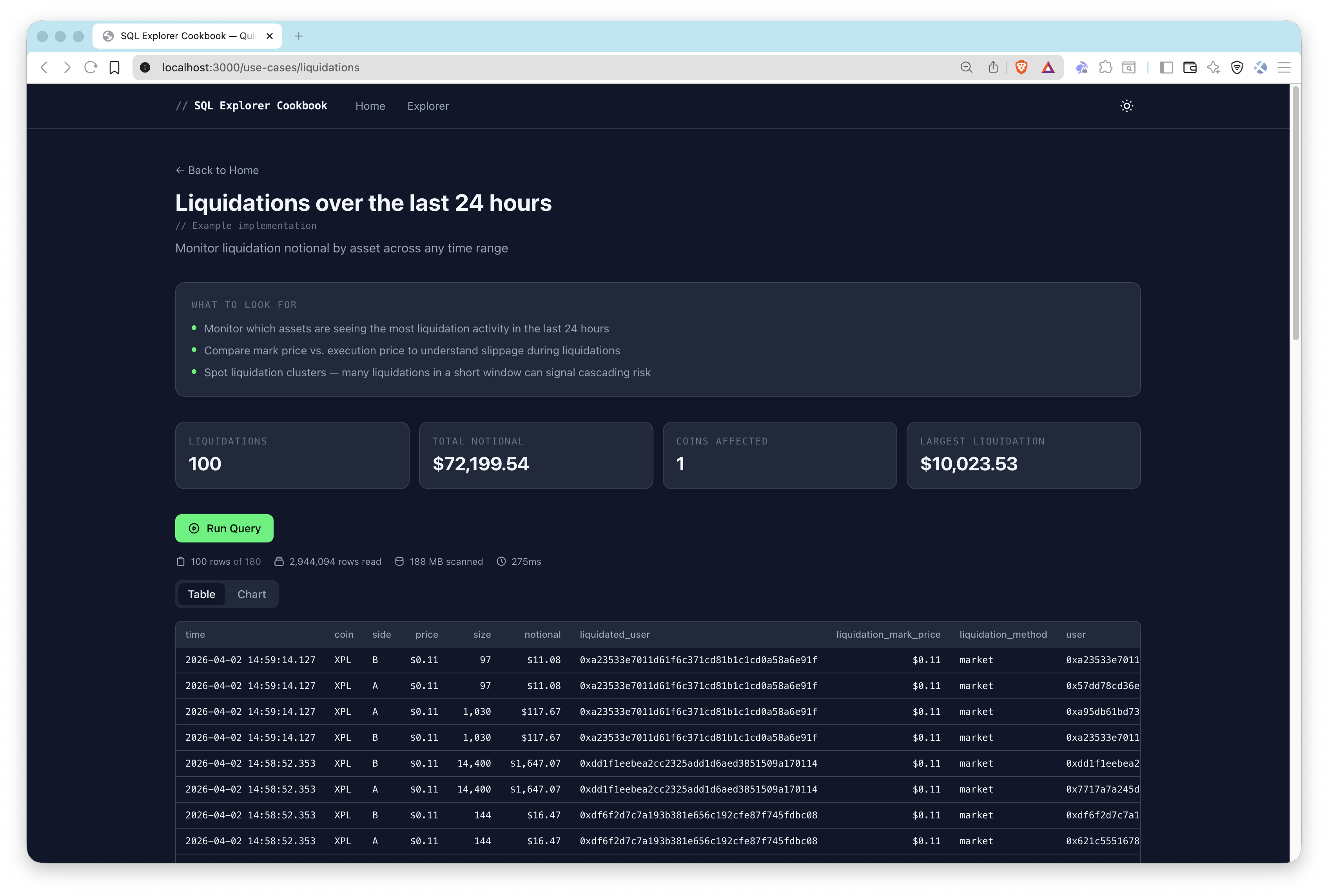
Usage
- Pick a starting point — Choose one of the 3 sample use cases (Wallet Activity, Validator Rewards, Liquidations) from the home page, or explore all 40+ pre-built queries in the explorer.
- Run a query — Click run to execute the SQL against Hyperliquid on-chain data. Results appear as a sortable table or chart.
- Customize parameters — Some queries accept dynamic inputs like wallet addresses, validators, or coin symbols. Click Try sample to populate example values, then re-run.
- Copy code snippets — Each query provides copy-paste ready code in SQL, curl, TypeScript, and Python.
Adding Custom Queries
Add entries to src/data/queries.ts:
{
  id: "my-query",
  title: "My Custom Query",
  description: "Description of what this query does",
  category: "Trading",
  sql: `SELECT * FROM hyperliquid_trades LIMIT 10`,
  chartConfig: {           // optional
    type: "bar",
    xKey: "coin",
    yKeys: ["volume_usd"],
  },
}
投稿与反馈
我们非常期待收到您的反馈,并欢迎大家为本示例应用贡献力量!
如需报告问题或提供反馈,请在 qn-guide-示例 存储库。
如需贡献,请按照以下步骤操作:
- 分叉该仓库
- 创建一个功能分支:git checkout -b feature/amazing-feature
- 提交您的更改:git commit -m "添加超棒的功能"
- 推送您的分支:git push origin feature/amazing-feature
- 提交一个拉取请求。