Solana -server
Een standaard Solana waarmee tools zoals Claude (of Cursor) rechtstreeks de Solana kunnen raadplegen. Dankzij deze integratie kun je taken uitvoeren zoals het controleren van wallet-saldi, het bekijken van token-accounts, het opvragen van transactiegegevens en het analyseren van accountinformatie – en dat allemaal via je LLM-client.


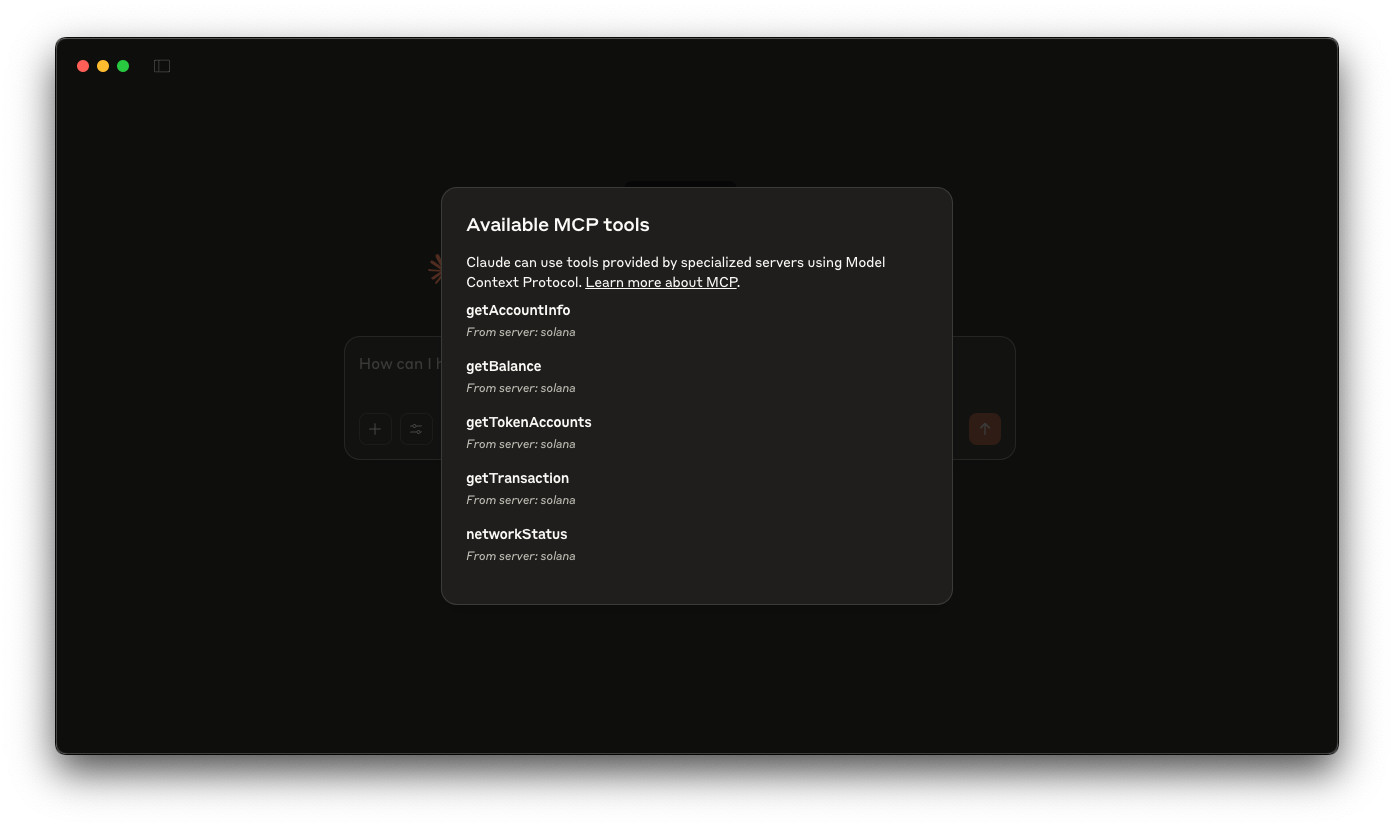
Overzicht
Met het Model Context Protocol (MCP) kun je AI-assistenten zoals Claude uitbreiden Claude aangepaste tools die communiceren met externe gegevensbronnen en diensten. In deze handleiding bouw je een Solana waarmee tools zoals Claude (of Cursor) rechtstreeks de Solana kunnen raadplegen. Dankzij deze integratie Claude taken Claude zoals het controleren van walletsaldi, het bekijken van tokenrekeningen, het opvragen van transactiegegevens en het analyseren van accountinformatie – terwijl jij de volledige controle over deze interacties behoudt.
In de demo wordt gebruikgemaakt van:
Aanvullende bronnen:
Aan de slag
Afhankelijkheden installeren
Open de projectmap:
cdsolana
Installeer vervolgens de afhankelijkheden:
npm install
# of
yarn
# of
pnpm install
# of
bun install
De server opzetten:
Bouw vervolgens de server:
npm run build
# of
yarn build
# of
pnpm build
# of
bun build
Claude instellen
Werk je claude.json bestand met de inhoud van voorbeeld: Claude configuratie van Claude. Hier vind je instructies hier.
Zorg ervoor dat je de update uitvoert SOLANA met je Quicknode endpoint. Je kunt er gratis een krijgen hier.
Zorg ervoor dat je args geef het absolute pad naar de gebouwde server op (bij ons is dat /YOUR_PATH/build/index.js).
Start Claude opnieuw op nadat je je configuratiebestand hebt ingesteld.
Je kunt Claude nu opdrachten geven zoals:
- Wat is het saldo op de Wallet van
<wallet_address>? - Wat is het saldo van de token van
<wallet_address>? - Hoe is de status van het Solana ?
- Maak een fork van de repository
- Maak een feature-branch aan:git checkout -b feature/amazing-feature
- Sla je wijzigingen op:git commit -m "Geweldige functie toevoegen"
- Pusht je branch:git push origin feature/amazing-feature
- Dien een pull-verzoek in.