

概述
The Ethereum Wallet Explorer demonstrates how to use your Quicknode Ethereum endpoint, the Blockbook product, and an endpoint add-on to query tokens, transactions, and NFTs associated with a given wallet.
To run this demo with full functionality, you need the free Token and NFT API v2 bundle endpoint add-on and access to the Blockbook API.
The demo uses Next.js 14 project bootstrapped with create-next-app.
入门指南
Install Dependencies
First, install the dependencies:
npm install
# or
yarn
# or
pnpm install
# or
bun install
Set Environment Variables
重命名 .env.example 到 .env.local and update with your Quicknode Ethereum Node Endpoint.
ETHEREUM_RPC_URL=https://example.ethereum-mainnet.quiknode.pro/123456/
First, run the development server:
npm run dev
# or
yarn dev
# or
pnpm dev
# or
bun dev
Open http://localhost:3000 with your browser to see the result.
Using the Dapp
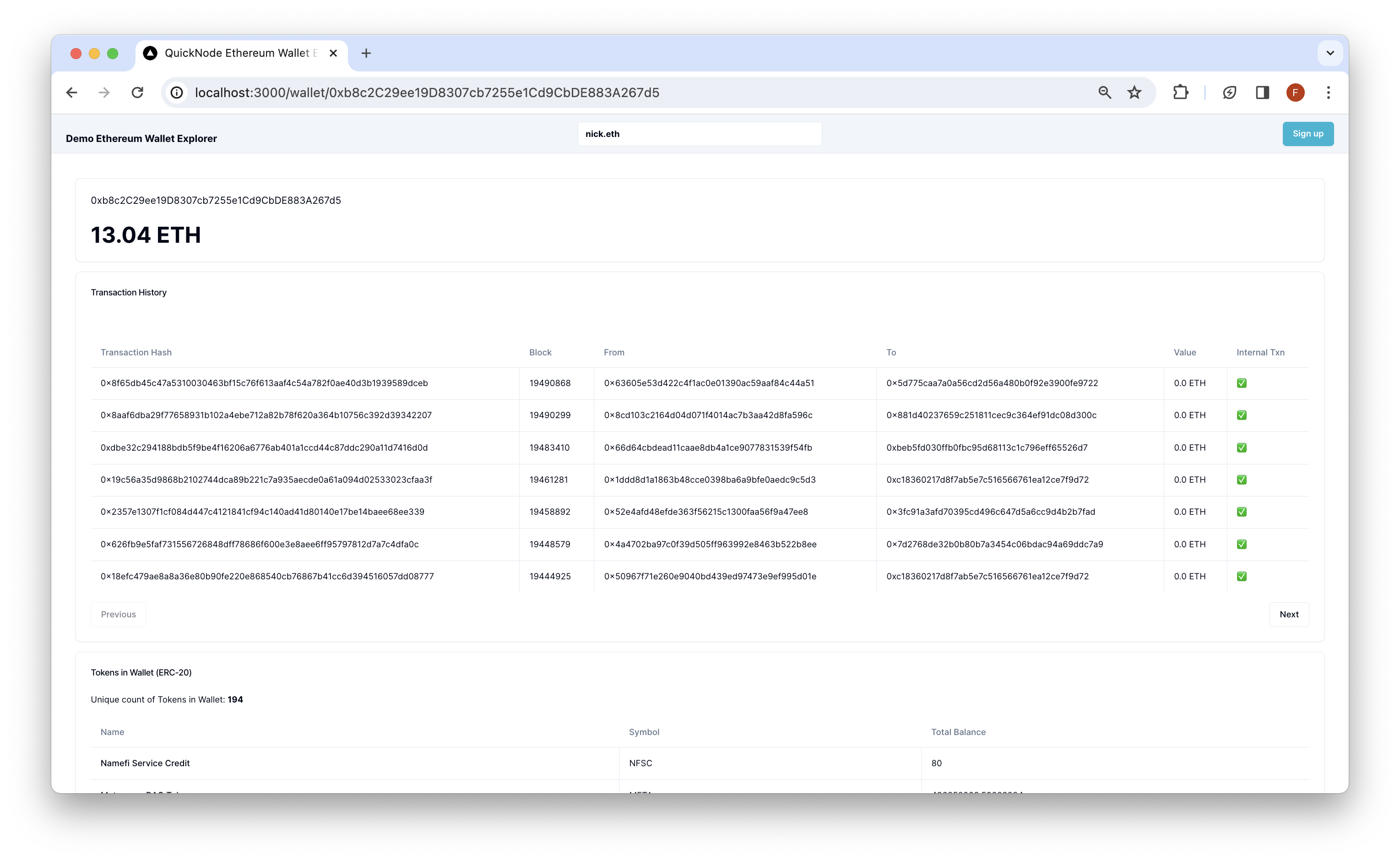
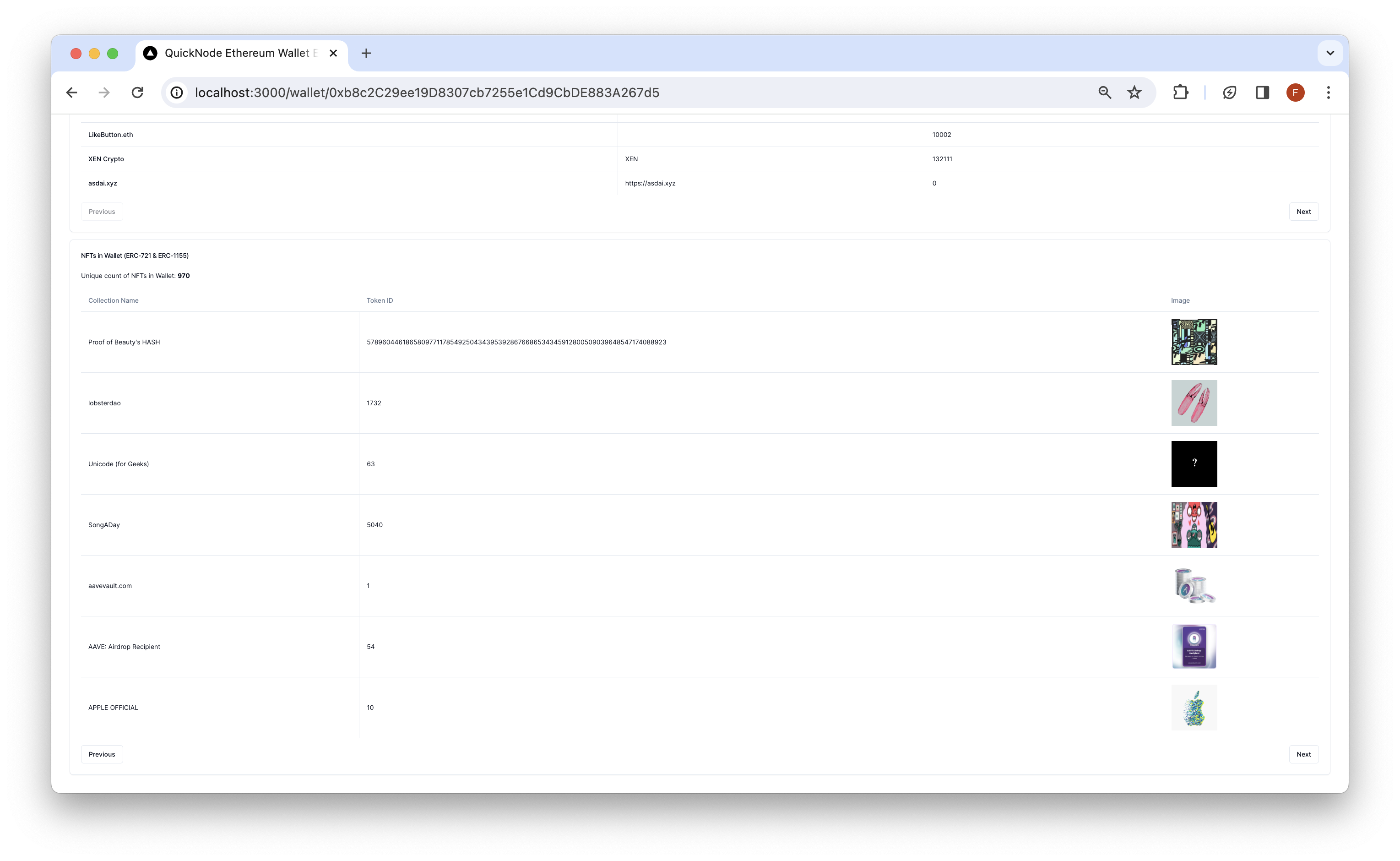
Search for an Ethereum wallet address and press enter. The Dapp will redirect to /wallet/[address] and query the Ethereum blockchain for the wallet's token balances, transactions, and NFTs. Results are rendered in respective cards.
建筑
src/
├── app/
│   └── api/
│       └── wallet/
├── components/
    ├── explorer/
    └── header/
-
api- Contains the API routes for the Ethereum RPC calls. These can be accessed from the client via/api/wallet/[method]?walletAddress=[address]. These GET requests use theEtherslibrary to interact with Ethereum and parse data, theToken and NFT API v2 bundleendpoint add-on to retrieve NFT and ERC-20 token information, and theBlockbook APIto retrieve transaction history for any Ethereum address. -
components- Contains the React components for the dapp.- 该
explorercomponent contains client-side components that call the API routes and render the results. - 该
页眉component contains the search bar for the dapp.
- 该
部署到 Vercel

预览
Next.js Documentation
To learn more about Next.js, take a look at the following resources:
- Next.js Documentation - learn about Next.js features and API.
- Learn Next.js - an interactive Next.js tutorial.
You can check out the Next.js GitHub repository - your feedback and contributions are welcome!
- 分叉该仓库
- 创建一个功能分支:git checkout -b feature/amazing-feature
- 提交您的更改:git commit -m "添加超棒的功能"
- 推送您的分支:git push origin feature/amazing-feature
- 提交一个拉取请求。