Servidor Solana
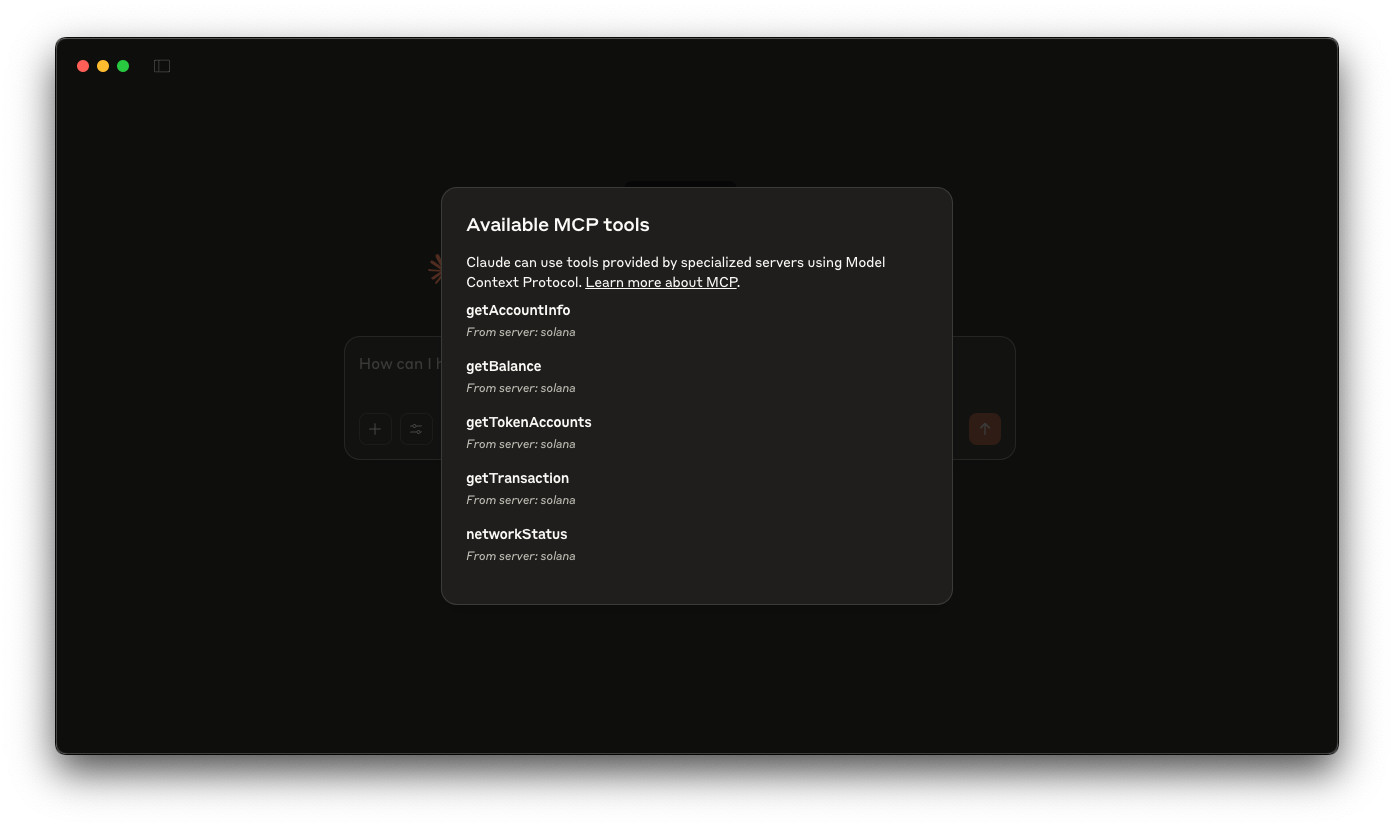
Un servidor Solana básico Solana que permite a herramientas como Claude (o Cursor) consultar directamente la Solana . Esta integración te permitirá realizar tareas como comprobar los saldos de las carteras, ver las cuentas de tokens, recuperar los detalles de las transacciones y analizar la información de las cuentas, todo ello gracias a la potencia de tu cliente LLM.


Resumen
El Protocolo de Contexto de Modelos (MCP) te permite ampliar asistentes de IA como Claude herramientas personalizadas que interactúan con fuentes de datos y servicios externos. En esta guía, crearás un servidor Solana que permita a herramientas como Claude (o Cursor) consultar directamente la Solana . Esta integración permitirá Claude realizar tareas como comprobar saldos de monederos, ver cuentas de tokens, recuperar detalles de transacciones y analizar información de cuentas, todo ello mientras mantienes el control sobre estas interacciones.
La demostración utiliza:
Recursos de apoyo:
Primeros pasos
Instalar las dependencias
Abre el directorio del proyecto:
cdsolana
A continuación, instala las dependencias:
npm instalar
# o
yarn
# o
pnpm instalar
# o
bun install
Configurar el servidor:
A continuación, compila el servidor:
npm ejecutar build
# o
yarn build
# o
pnpm build
# o
bun build
Configuración de Claude
Actualiza tu claude.json archivo con el contenido de Ejemplo de configuración Claude. Puedes encontrar las instrucciones aquí.
Asegúrate de actualizarlo SOLANA con tu endpoint Quicknode . Puedes conseguir uno gratis aquí.
Asegúrate de que tu args introduce la ruta absoluta al servidor compilado (en nuestro caso es /TU_RUTA/build/index.js).
Reinicia Claude tras configurar tu archivo de configuración.
Ahora puedes dar instrucciones a Claude comandos como:
- ¿Cuál es el saldo de la cartera de
<wallet_address>? - ¿Cuál es el saldo de tokens de
<wallet_address>? - ¿Cuál es el estado de la Solana ?
- Hacer un fork del repositorio
- Crear una rama de características:git checkout -b feature/amazing-feature
- Guarda los cambios:git commit -m "Añadir una función increíble"
- Envía tu rama:git push origin feature/amazing-feature
- Abre una solicitud de incorporación de cambios.