Servidor MCP da Solana
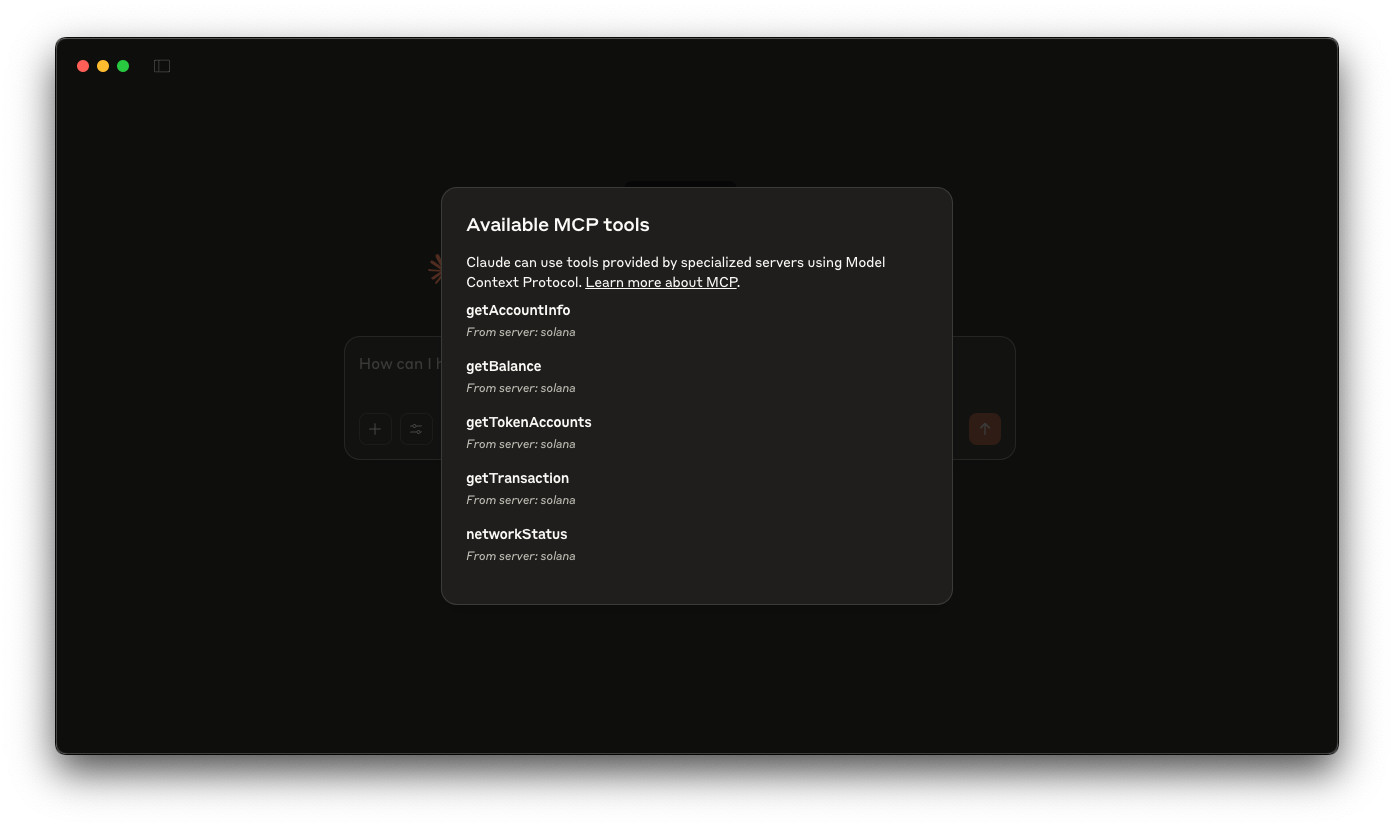
A basic Solana MCP server that gives tools like Claude Desktop (or Cursor) the ability to query the Solana blockchain directly. This integration will enables you to perform tasks like checking wallet balances, viewing token accounts, retrieving transaction details, and analyzing account information—all from the power of your LLM client.


Visão geral
The Model Context Protocol (MCP) allows you to extend AI assistants like Claude with custom tools that interact with external data sources and services. In this guide, you'll build a Solana MCP server that gives tools like Claude Desktop (or Cursor) the ability to query the Solana blockchain directly. This integration will enable Claude to perform tasks like checking wallet balances, viewing token accounts, retrieving transaction details, and analyzing account information—all while you maintain control over these interactions.
The demo uses:
Supporting resources:
Primeiro passos
Instalar dependências
Abra o diretório do projeto:
cd AI/solana-mcp
Em seguida, instale as dependências:
npm instalar
# ou
yarn
# ou
pnpm instalar
# ou
bun install
Build the Server:
Then, build the server:
npm run build
# or
yarn build
# or
pnpm build
# or
bun build
Setup Claude Desktop
Update your claude_desktop_config.json file with the content from example Claude desktop config. You can find instructions aqui.
Make sure to update SOLANA_RPC_ENDPOINT with your Quicknode RPC endpoint. You can get one free aqui.
Make sure your args pass in the absolute path to the built server (for us it is /YOUR_PATH/build/index.js).
Relaunch Claude Desktop after setting up your config file.
Now you can prompt Claude with commands like:
- What is the Wallet balance of
<wallet_address>? - What is the token balance of
<wallet_address>? - What's the status of the Solana network?
- Fazer fork do repositório
- Criar uma branch de funcionalidades:git checkout -b feature/amazing-feature
- Faça commit das suas alterações:git commit -m "Add amazing feature"
- Faça push da sua branch:git push origin feature/amazing-feature
- Abrir um Pull Request.