Make QWallet a Nifty iOS App
Make QWallet a Nifty iOS App
Here’s how you can turn QWallet.io into an icon on your iOS device for easy access and full-screen browsing

USDC Yield With Cover Built InQuicknode Earn now runs USDC yield with cover for protocol risk built in, underwritten by OpenCover. Six covered vaults on Base.
Read the announcementMake QWallet a Nifty iOS App
Here’s how you can turn QWallet.io into an icon on your iOS device for easy access and full-screen browsing
SOC 2 Type II Certified · ISO 27001
February 20, 2018 — 1 min read
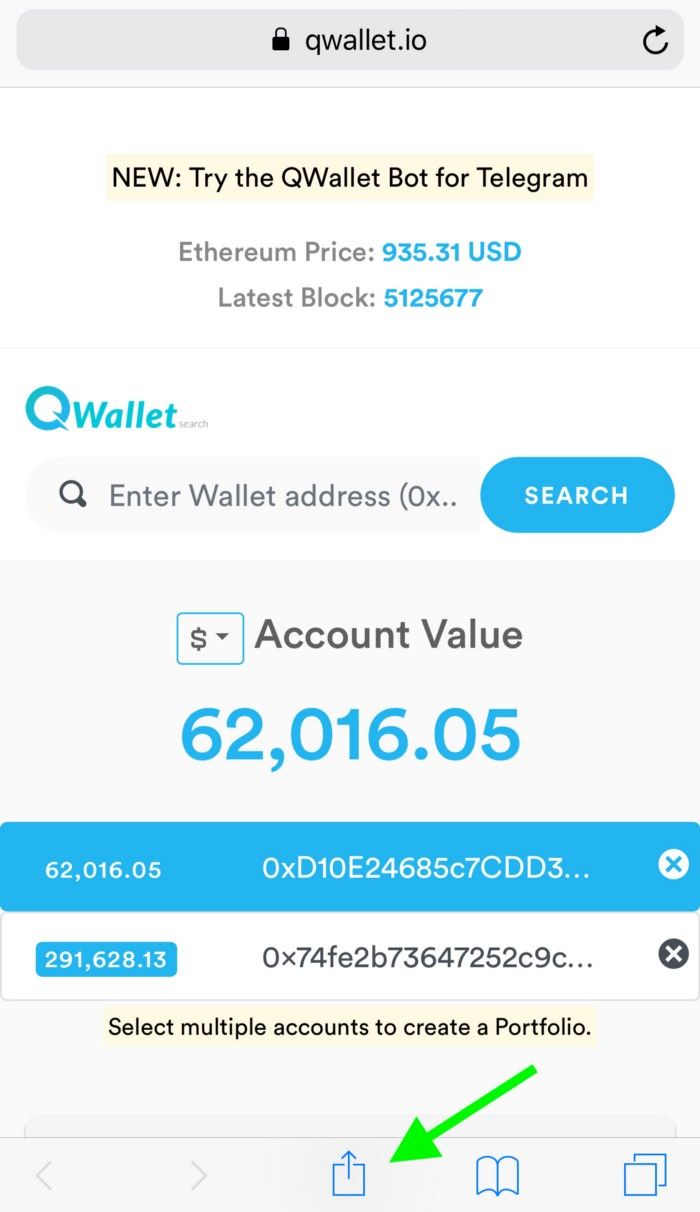
Go to https://QWallet.io and search your address(es).
Once on the tokens view screen, tap the ‘share’ icon at the bottom.
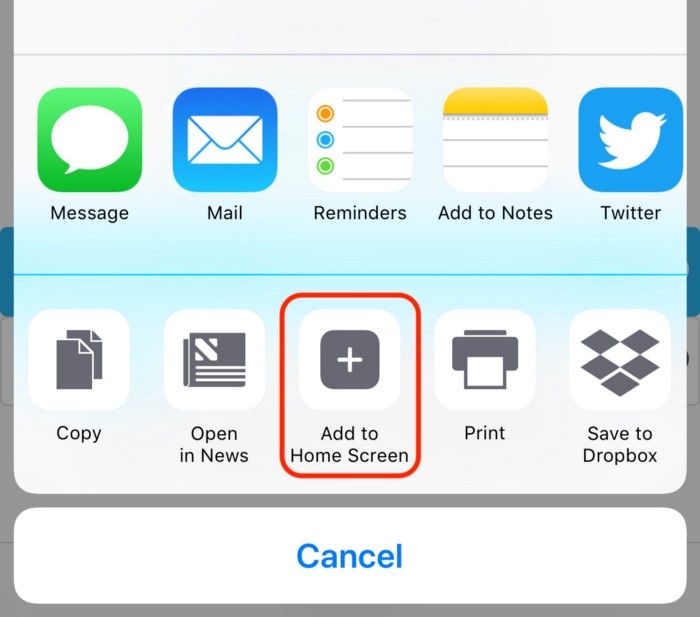
3. Navigate to and tap the “Add to Home Screen” icon.
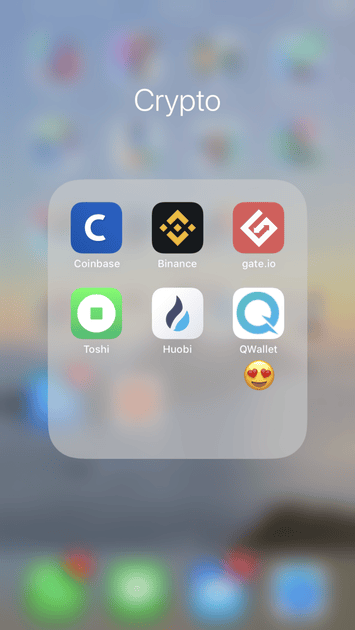
4. Voila! Now you will have a lovely “Q” icon on your home screen.
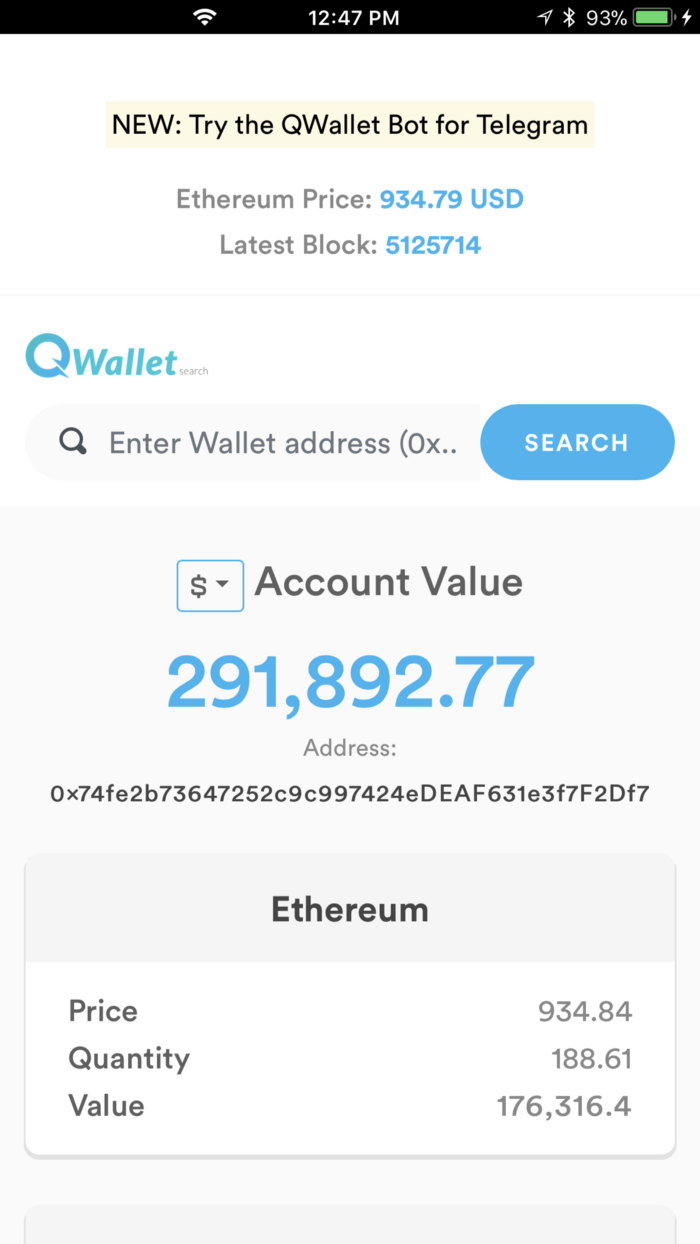
5. Tap it and you’ll get the full-screen version, just like a native iOS app!
Have questions, feedback, a feature request, or just want to learn more?
fyi: the wallets we feature in our screenshots are not ours :) They are random
Need help with your project or have questions? Contact us via this form, on Twitter @Quicknode, or ping us on Discord!
Founded in 2017, Quicknode deploys institutional-grade blockchain infrastructure for developers and enterprises. With 99.99% uptime and support for 80+ chains, teams build and scale onchain applications without compromise.
The latest engineering insights, product updates, and web3 news delivered straight to your inbox.